When we migrate from previous versions to a more recent one, we encounter an error when compiling, which refers to the properties 'VisibleColumn', 'InvisibleColumn', 'ColumnName' of variables declared in the Web Panel 'ColumnSelector'.
These properties are not present in the newer versions of the WWPColumnSelector SDT.
To fix these errors, we must import a file called 'ObjectsToImportVersion13.xml'.
When we migrate from previous versions to a more recent one, we encounter an error when compiling, which refers to the properties 'VisibleColumn', 'InvisibleColumn', 'ColumnName' of variables declared in the Web Panel 'ColumnSelector'.
These properties are not present in the newer versions of the WWPColumnSelector SDT.
To fix these errors, we must import a file called 'ObjectsToImportVersion13.xml'.
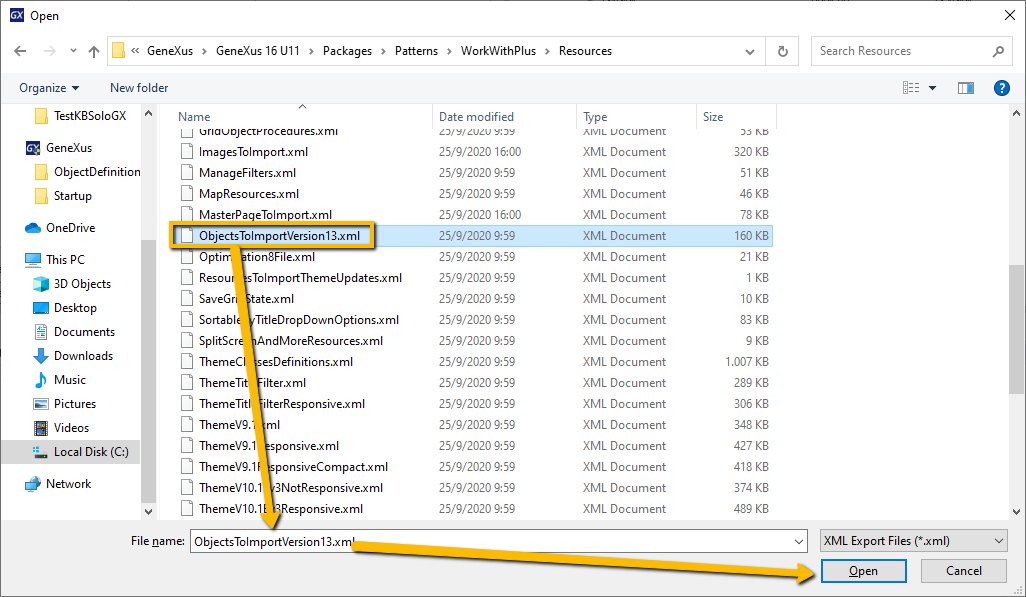
Path:
If we execute a Build All, in these moments, it will show us the following errors:
To fix it, we must go to WorkWithPlus (Settings)> Actions> EditColumns (Column Selector) and change the Type property from Pop Up to Drop Down Button.
If ask: 'Do you want to apply all WorkWithPlus Pattern Instances?'. Click Yes.
Else 'Apply all instances' manually.
After that, do a Build All, if continue with error with ColumnSelector Web Panel, you can delete them.
If you cannot remove it, you must uncheck 'Apply this pattern on save', remove the instance, and then remove the Web Panel.
0 Votos
0 Comentários
Entrar ou Registrar para postar um comentário